CHIP-8 is an early video game system. This project emulates instruction decoding/execution, memory/register behavior, display drawing, timers, and game ROM loading.
Summary
Chip-8 was my first Rust project and was a good one for getting a feel for the language. I have a somewhat nostalgic take on this project now, because it was nearing the end of the period where people read programming books to learn languages and chose starter projects to get up and running. This is one of those old-fashioned cases. I had just finished reading the Rust Book and decided I wanted to learn about making emulators. Chip-8 is considered the "Hello World" of emulator projects.
Highlights
Opcode decode/execute loop.
Display pipeline using
pixels+winit.Core emulator structures for memory, registers, stack, timers, and program counter.
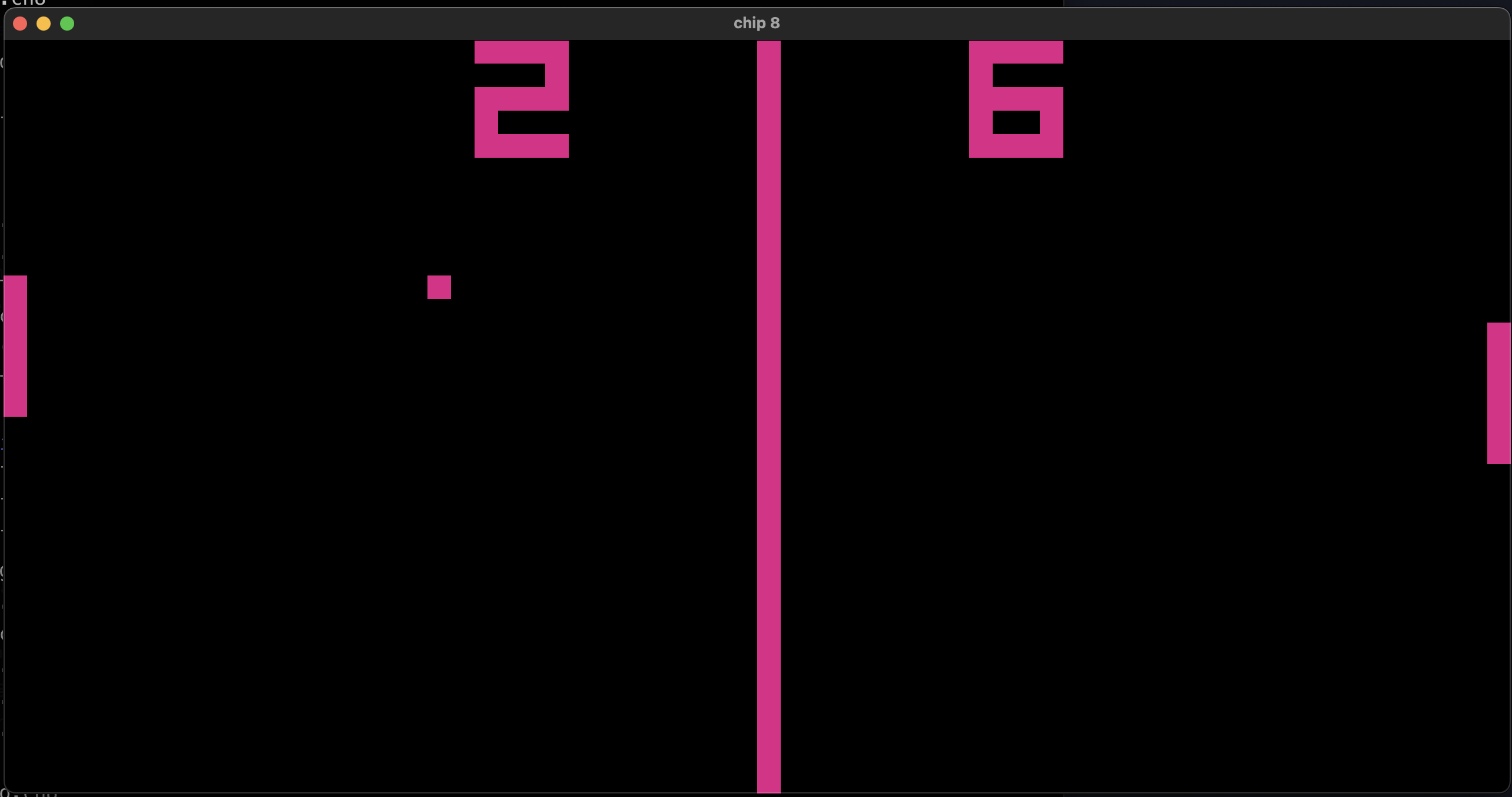
Runs classic CHIP-8 ROMs (including Pong and Tetris).
What was the outcome?
This was a good project, because I learned about some of the similarities between emulators and compilers. Chip-8 at least felt like a distant cousin to a compiler as I was building it. The code and organization was somewhere between a game engine and an interpreter. Actually, after I read more about it, I learned that most people regard Chip-8 as an interpreter, not an emulator. I tend to agree. There are no chips, CPUs, or other hardware to emulate. It's just loading and running an application.
The design is rather simple. Essentially, we have a game loop that continuously renders changes to the screen. The changes manifest from instructions given via opcodes. The Chip-8 file is just a list of opcodes. The codes are run through one at a time and executed by the engine—which in this case is just a giant pattern-matching statement—that's pretty much an interpreter.
Community and resources
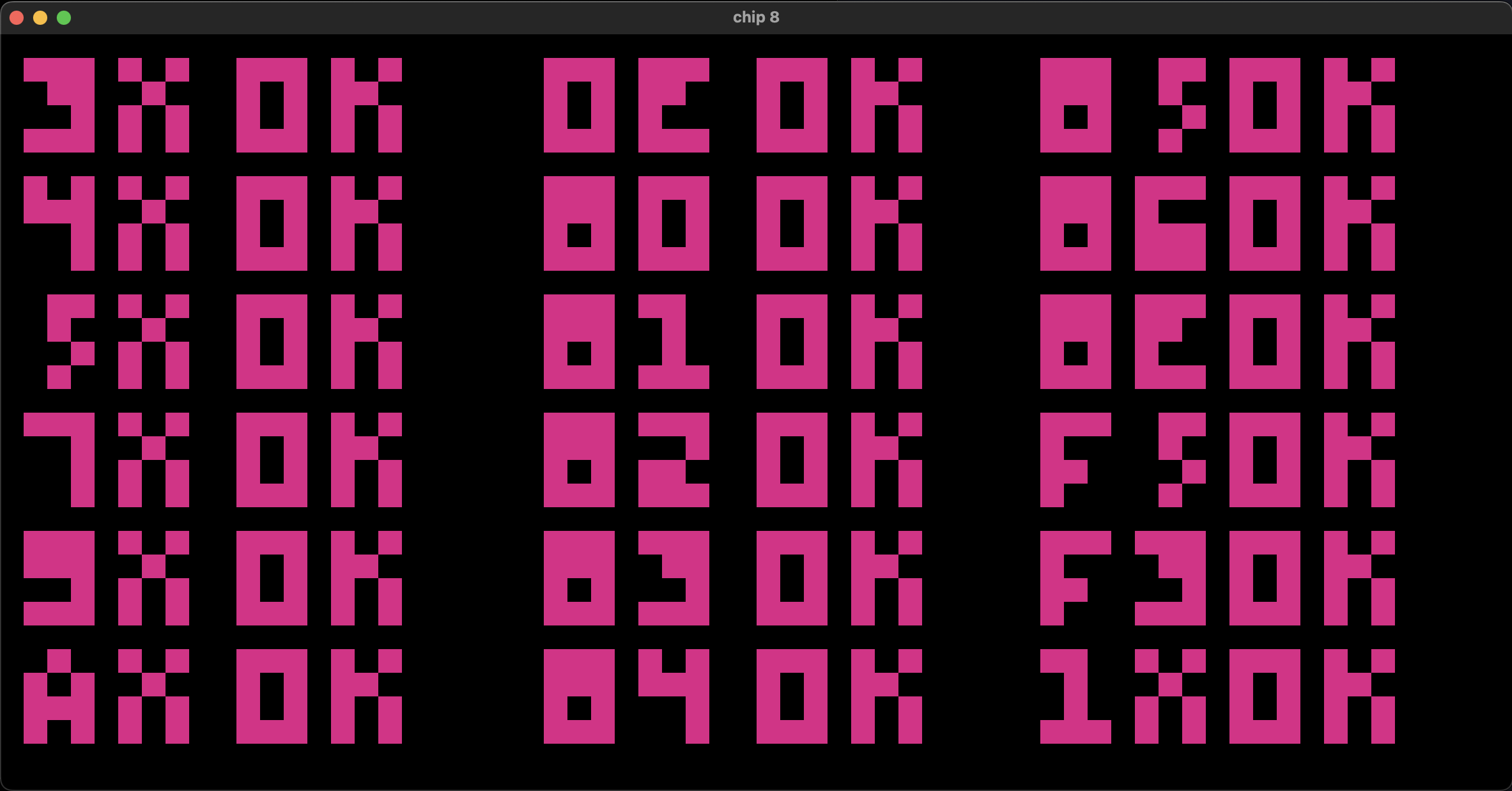
This made an especially great starter project because there were resources online to help make it easier. One of the best resources were the different opcode test resources available. Below is an example of the output of the opcode test ROM. This helped me test each opcode one at a time to debug the interpreter.
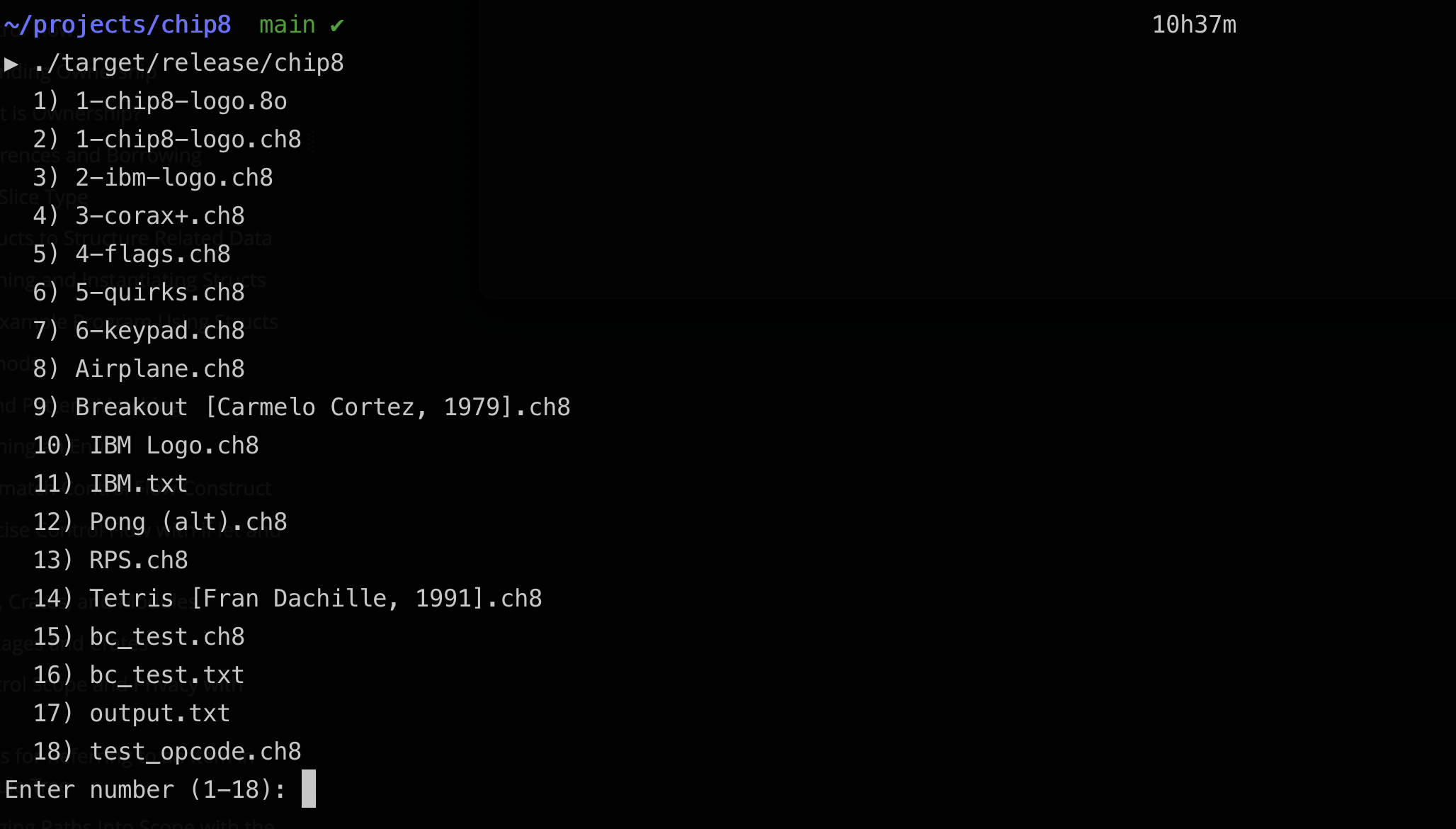
I recently added a menu at the start of the command line to make selecting the available ROMs a little easier: